🛩️ Cowork
This guide gets you ready to fly the Cowork altitude for our AI Flight Academy session during Team Week. Cowork is cloud-hosted - nothing to install - so setup is as easy as navigating to a link. From there you'll complete a flight from our existing AI Skill Building catalog, then screenshot your result to get certified.
Your goal: Pilot Certification. Finish the minimum for this altitude, screenshot your result, and upload it to the form. Keep this link handy - it's how you get certified.
Two parts:
Did last month's Cowork skilling session? You already know this - complete a flight you may have missed and screenshot the output as your proof, or consider using the time to upskill with Scout if you haven't yet.
Set up Cowork
Nothing to install - Cowork lives inside Microsoft Copilot.
Open Microsoft Copilot.
Select Cowork.
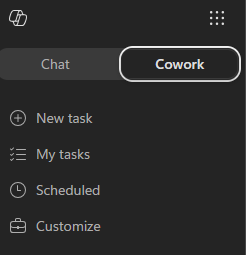
You'll land on the Copilot Cowork homepage, where you can type a new task, try a pre-built sample, or pick up a recent one.
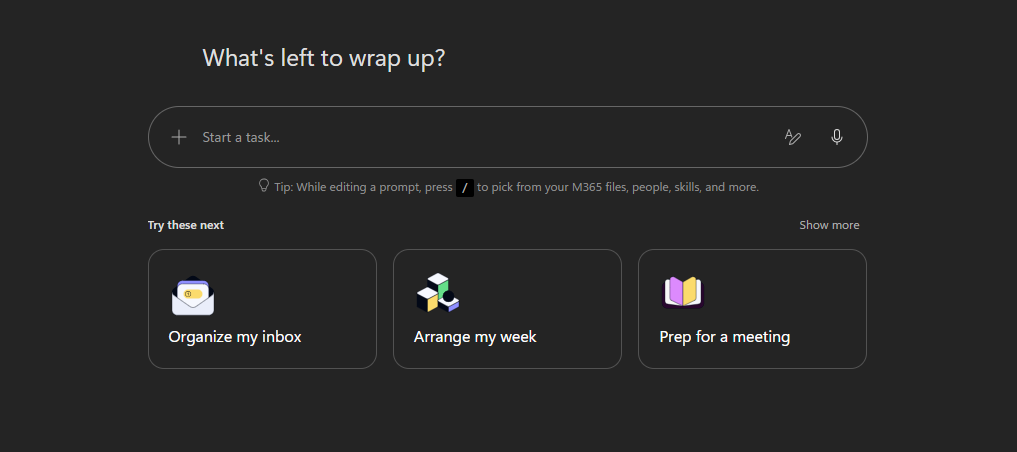
You're ready when Cowork opens.
Choose an option
Pick any option below and complete it - any one gets you certified. If you want the most relevant prep, Make It Your Own → Path A: Build Your Own Skill is our pick, since building a skill is the mechanic we will build on at Team Week.
Before you take off
Each flight opens in a new tab. When you're done, come back to this page to grab the link to submit your pilot certification.
🚨 IMPORTANT
Get your Pilot Certification. Finish any one flight, screenshot its final output, and upload it as your proof. Make It Your Own (Path A) is our pick, but any flight counts.