Learning Path 8 - Lab 1 - Exercise 8 - Deploy ASIM parsers
Lab scenario
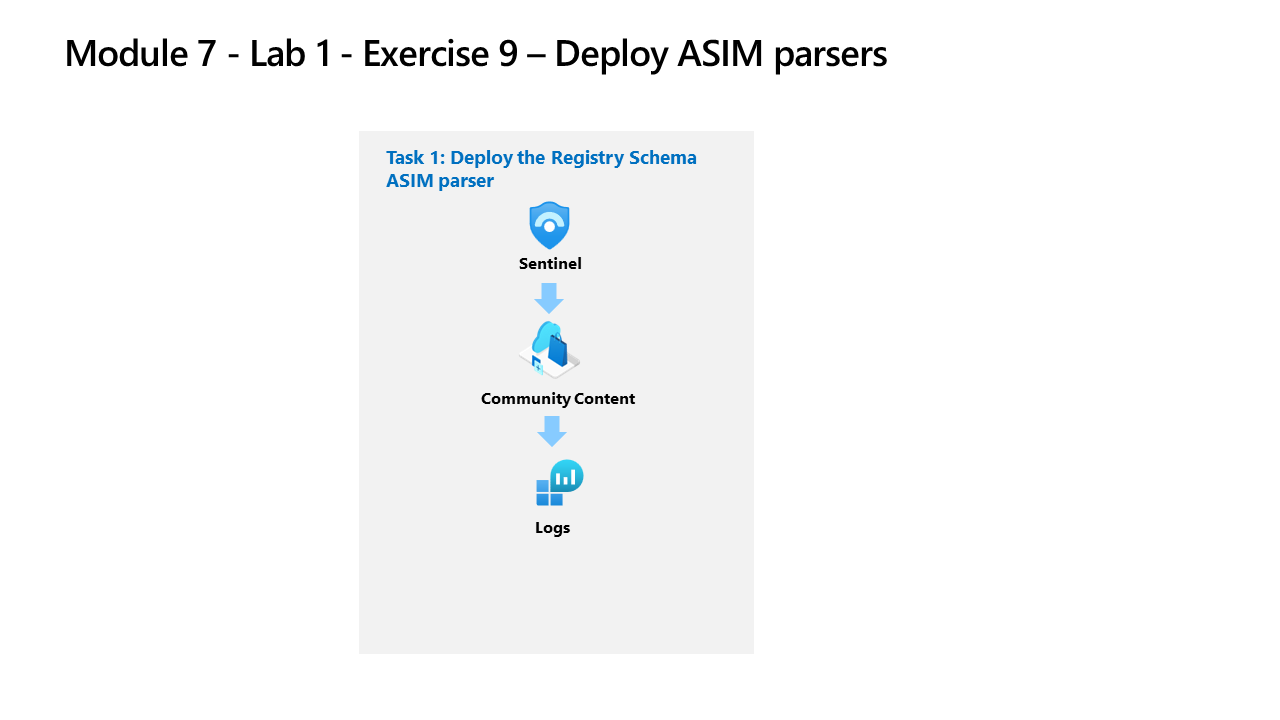
You’re a Security Operations Analyst working at a company that implemented Microsoft Sentinel. You need to model ASIM parsers for a specific Windows registry event. These parsers will be finalized at a later time following the Advanced Security Information Model (ASIM) Registry Event normalization schema reference.
Important: The lab exercises for Learning Path #8 are in a standalone environment. If you exit the lab before completing it, you will be required to re-run the configurations again.
Estimated time to complete this lab: 30 minutes
Task 1: Deploy the Registry Schema ASIM parsers
In this task, you’ll review the Registry Schema parsers that are included with the Microsoft Sentinel deployment.
Note: Microsoft Sentinel has been predeployed and onboarded to Microsoft Defender XDR with the name sentinelworkspace-01, and the required Content hub solutions have been installed.
-
Sign in to WIN1 virtual machine as Admin using the provided credentials.
-
Open Microsoft Edge and navigate to Microsoft Defender XDR at
https://security.microsoft.com. -
In the Sign in dialog box, copy, and paste in the Tenant Email account provided by your lab hosting provider and then select Next.
-
In the Enter password dialog box, copy, and paste in the Tenant Password provided by your lab hosting provider and then select Sign in.
Note: You may be prompted to enter the Temporary Access Pass (TAP) instead of a password. This is also provided in the resources tab. If prompted, copy and paste the TAP value and select Sign in.
-
In the Microsoft Defender navigation menu, scroll down and expand the Investigation & response section.
-
Expand the Hunting section and select Advanced hunting.
-
Open the Schema and Search blade by selecting > if needed.
-
Select the Functions tab (next to the Queries tab). Hint: You might need to select the ellipsis icon (…) to select the tab.
-
In the Search bar type registry, and scroll down through the ASIM parser functions until you see the following _Im_RegistryEvent_MicrosoftWindowsEventxxx for Microsoft Windows under the Microsoft Sentinel heading.
Note: We’re using the xxx in the ASIM parser function name to account for version changes. At the time this lab was updated the function was _Im_RegistryEvent_MicrosoftWindowsEventV02.
-
Locate the _Im_RegistryEvent_MicrosoftWindowsEventxxx ASIM function and then select Load the function code from the ellipsis icon (…).
-
Review the KQL that is parsing the Event ID 4657 to simplifying your analysis of the data in the Microsoft Sentinel workspace.
Hint: Typing ctrl+f in the code window brings up Find and makes searching for EventID: 4657 much easier.
-
From the command bar, select New query to open a new query tab.
-
Go back to the Schema pane, hover over the _Im_RegistryEvent_MicrosoftWindowsEventxxx ASIM function, and then select Use in editor.
-
Select Run to execute the ASIM function query. If you have completed the previous lab exercises, you should see results and no error messages.